I occasionally build some tools and scripts for myself, and have made several unsuccessful attempts at publishing them to the world. There is always a friction in doing those last bits of work before publishing an app.
But now with AI and especially computer use, it’s getting easier to get things over the finish line. For eg. I have a lightweight reading list chrome extension which needs no account set up and the data is simply stored on your browser. A no-frills read-it-later app.
Thanks to AI, I had it re-built with the latest tools and was able to publish it to the Chrome Web Store. It’s now available to download and use right away.
After several attempts to try to publish a chrome extension throughout the past decade, I finally have one now (though not something fancy. a very simple app. but still something. it's a start).
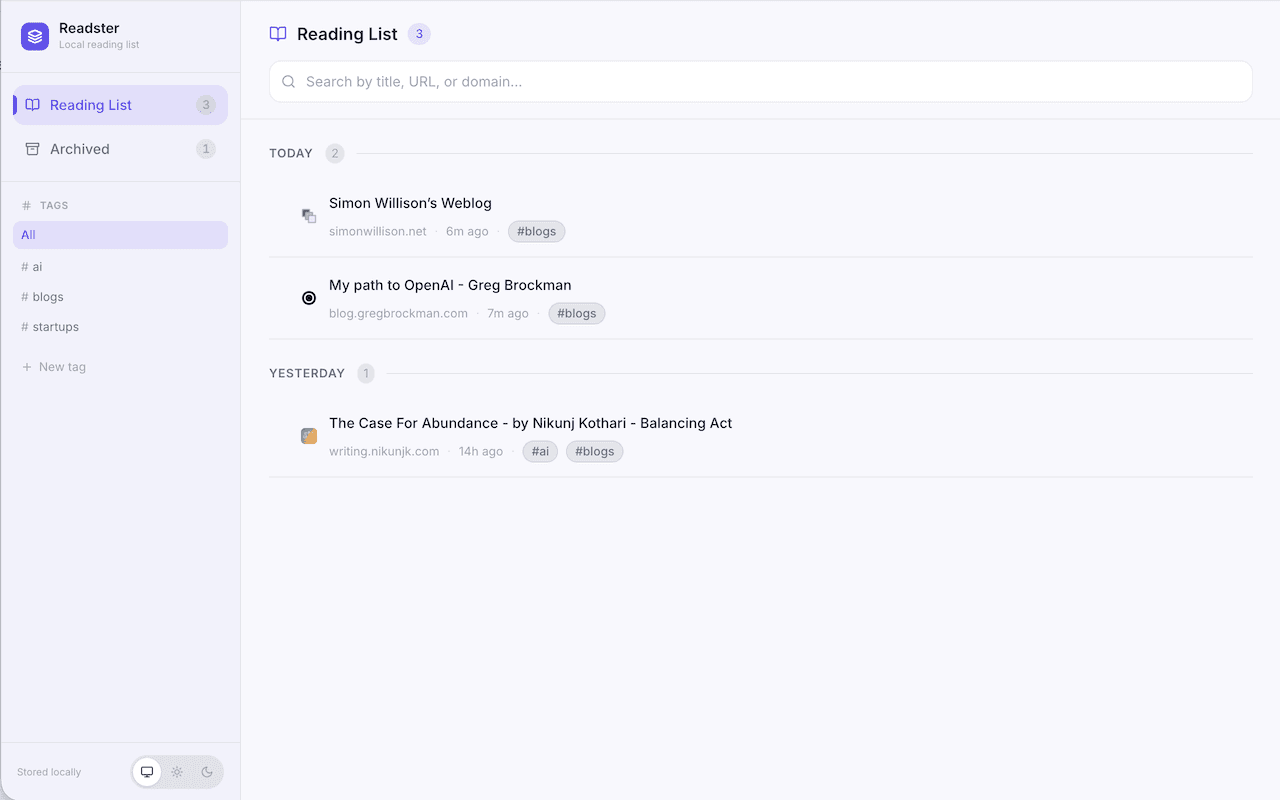
The reading list: saved pages, tags, search, and an archive.
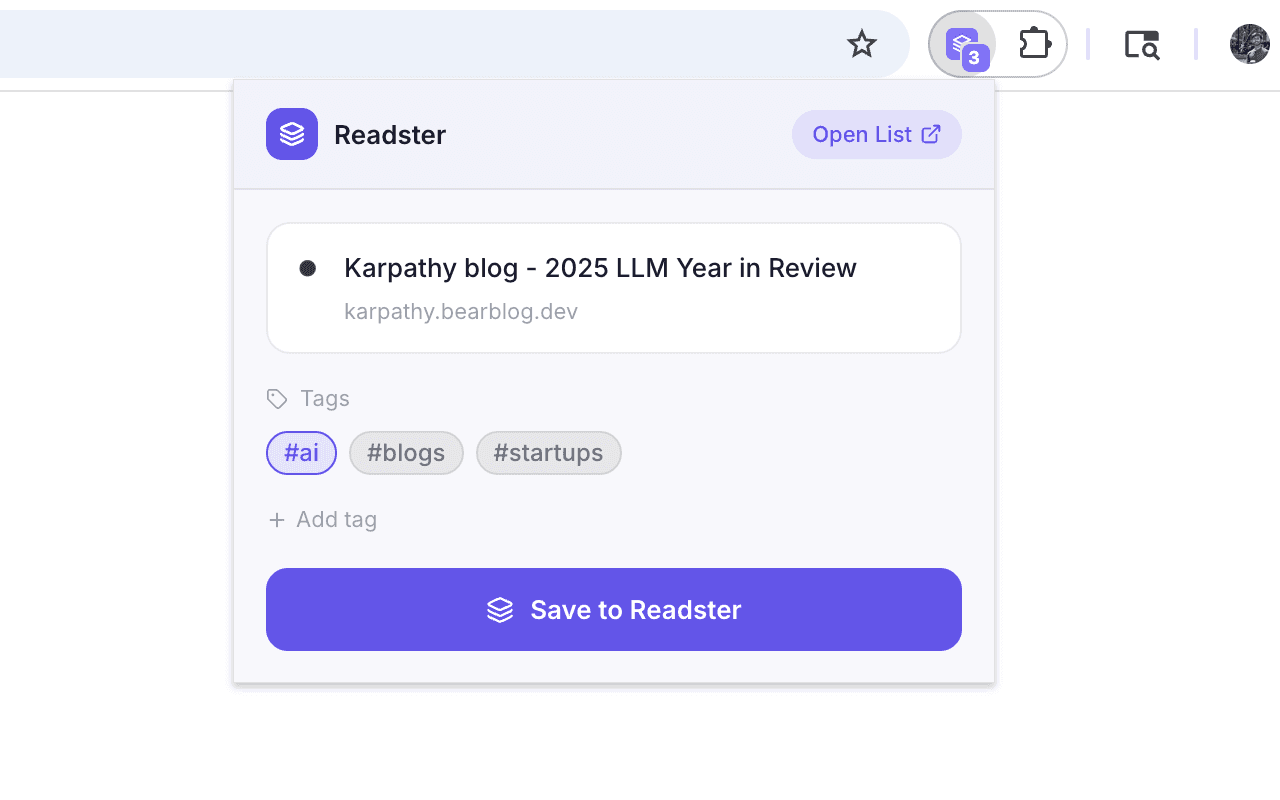
Save a page from the toolbar and add tags before reading it later.